
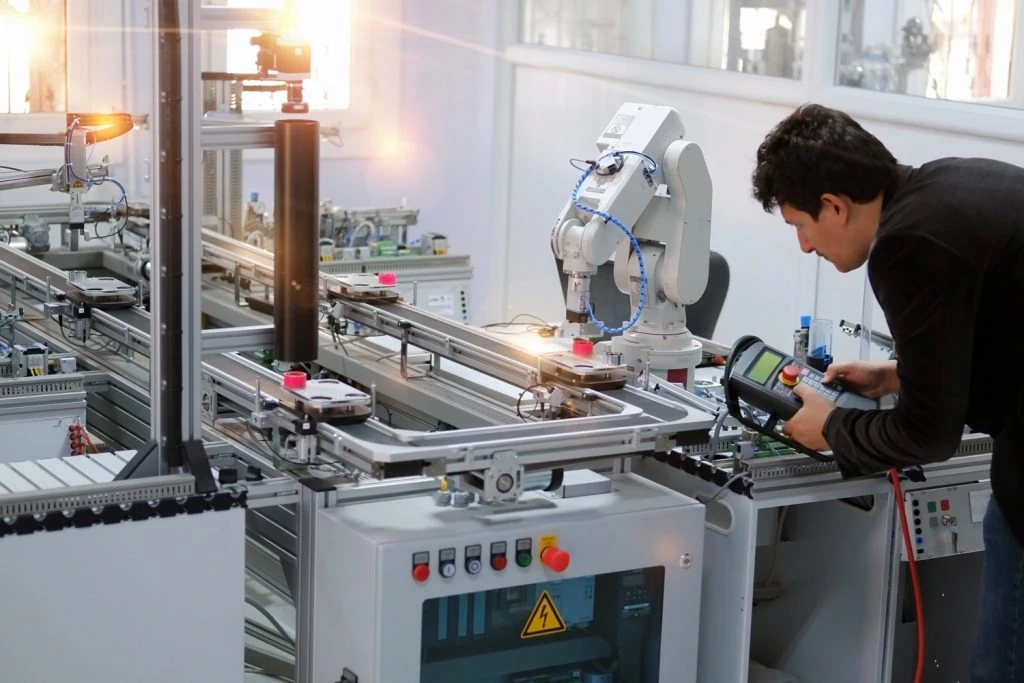
Ensuring Safety and Security: How GuardLogix 1756-L7SP Firmware Updates Protect Industrial Systems
In today’s connected industrial environments, the integrity of safety controller firmware is non-negotiable. A single corrupted update can jeopardize machinery, processes, and personnel. The Allen-Bradley 1756-L7SP GuardLogix safety controller addresses this critical need head-on with its robust secure firmware update mechanism. This article delves into the security signature process, explaining how it safeguards your operations and ensures compliance with global standards.
The Non-Negotiable Importance of Secure Firmware
Safety systems form the last line of defense in industrial automation. Their controllers, therefore, must run only verified and authentic code. The GuardLogix 1756-L7SP is designed with this principle at its core. Its update architecture prioritizes security from the outset, preventing the installation of unauthorized or tampered firmware. This proactive approach is essential for protecting both physical safety and operational continuity.
The Mechanics of Cryptographic Signature Verification
The security model is built on asymmetric cryptography, a proven method for ensuring authenticity. Rockwell Automation uses a secure private key to digitally sign all official firmware files. Correspondingly, each 1756-L7SP controller holds a validated public key within its protected hardware. When you initiate an update, the controller first verifies the digital signature against this public key. If the cryptographic validation fails, the installation process terminates immediately, ensuring no unverified code is ever executed.
Executing the Hardware-Rooted Secure Boot Process
Trust begins in hardware. The module’s secure boot process establishes a chain of verification. It starts with an immutable hardware trust root validating the primary bootloader. Subsequently, each stage of software—from the runtime to the application—is verified before it loads. This layered defense also incorporates version control, actively preventing rollbacks to older firmware with known vulnerabilities. Consequently, the system maintains a known secure state throughout its operational lifecycle.

Ensuring File Integrity with Cryptographic Hash Functions
Beyond signatures, integrity is checked using strong hash algorithms like SHA-256. These algorithms generate a unique digital fingerprint for the firmware file. The controller computes the hash of the incoming firmware and compares it to the value decrypted from the signature. Even a minute alteration in the file produces a completely different hash, causing the verification to fail. This dual-layer check guarantees the firmware is both authentic and unaltered.
Robust Key and Certificate Management
The entire system’s security hinges on proper key management. The controller’s public key is stored in dedicated, tamper-resistant hardware, inaccessible for modification via standard user interfaces. Rockwell Automation manages its private signing keys under strict, audited security protocols. Furthermore, the use of certificates with defined lifespans adds another layer of control, requiring periodic renewal and thus aligning with best practices in industrial cybersecurity.
The Streamlined User Experience for Engineers
Despite the complex security underpinnings, the update process for plant personnel remains straightforward. Engineers use familiar tools like Studio 5000 or ControlFlash Plus. These applications handle the signature verification automatically in the background. Users typically only see a prompt indicating success or failure. Moreover, all verification events are logged meticulously, providing an essential audit trail for safety compliance documentation, such as IEC 61511 reports.
Countering Modern Industrial Cybersecurity Threats
This architecture directly addresses prevalent threats in operational technology (OT) environments. It effectively neutralizes risks from malware injection, counterfeit firmware from supply chain attacks, and accidental file corruption. As industry data confirms a rising trend in OT-focused cyber incidents, these embedded security features transition from being advantageous to absolutely essential for any modern safety instrumented system.
Maintaining Performance While Enhancing Security
A common concern is that robust security might impact system performance. The 1756-L7SP alleviates this through dedicated security hardware. Cryptographic operations like signature verification are offloaded to this specialized component, typically completing in under two seconds. Therefore, the main processor’s real-time control capabilities remain entirely unaffected, ensuring deterministic performance for critical safety functions.
Compliance with International Standards
Implementing secure firmware updates is not just a technical feature but a compliance imperative. The 1756-L7SP’s methodology supports key international standards:
IEC 62443: Provides requirements for robust industrial network and system security.
IEC 61508/61511: Mandate protection against systematic faults, including unauthorized software changes.
This alignment simplifies the certification process for end-users, as auditors can readily verify the technical controls through system logs and design documentation.

Author’s Insight: Future-Proofing Safety Investments
From an industry perspective, the value of secure updates extends beyond immediate security. It future-proofs capital investments. Over a controller’s 15-20 year lifespan, new vulnerabilities may emerge. The ability to securely deploy patches and updates allows facilities to adapt without replacing hardware. This protects the substantial investment in automation while continuously managing risk. In my view, this capability marks a shift from safety controllers as static devices to dynamically securable assets.
Practical Application Scenario
Scenario: A pharmaceutical manufacturer must apply a critical firmware patch to its safety controllers to address a newly discovered vulnerability.
Challenge: Applying untested code to safety systems during production is high-risk.
Solution with 1756-L7SP: The patch, signed by Rockwell Automation, is downloaded. During the update, the controller’s secure boot and signature verification automatically confirm the file’s authenticity and integrity. The engineer proceeds with confidence, and the system logs provide proof of the secure update for the quality audit. The process minimizes downtime and eliminates the risk of installing malicious or corrupted code.
Frequently Asked Questions (FAQ)
Q1: What happens if a firmware file’s signature verification fails?
A: The update process is halted immediately. The controller will reject the file and continue operating on its current, verified firmware. An error is logged for the user.
Q2: Can the security keys in the 1756-L7SP be changed or updated by the end-user?
A: No. The public key is stored in secure, immutable hardware. Key updates require a specific, authorized process managed through Rockwell Automation to maintain the chain of trust.
Q3: Does the signature verification process cause significant downtime during updates?
A: No. The cryptographic check is highly efficient, typically adding less than two seconds to the update procedure. The dedicated security hardware prevents any impact on control performance.
Q4: How does this protect against supply chain attacks?
A: It prevents the installation of counterfeit firmware. Even if a malicious file is introduced into the supply chain, it will lack the correct digital signature from Rockwell Automation and will be rejected by the controller.
Q5: Are these secure update features compliant with functional safety standards?
A: Yes. The process directly supports requirements in IEC 61508 and IEC 61511 for preventing unauthorized and undetected modifications to safety-related software, aiding in overall safety certification.

 No products in the cart.